
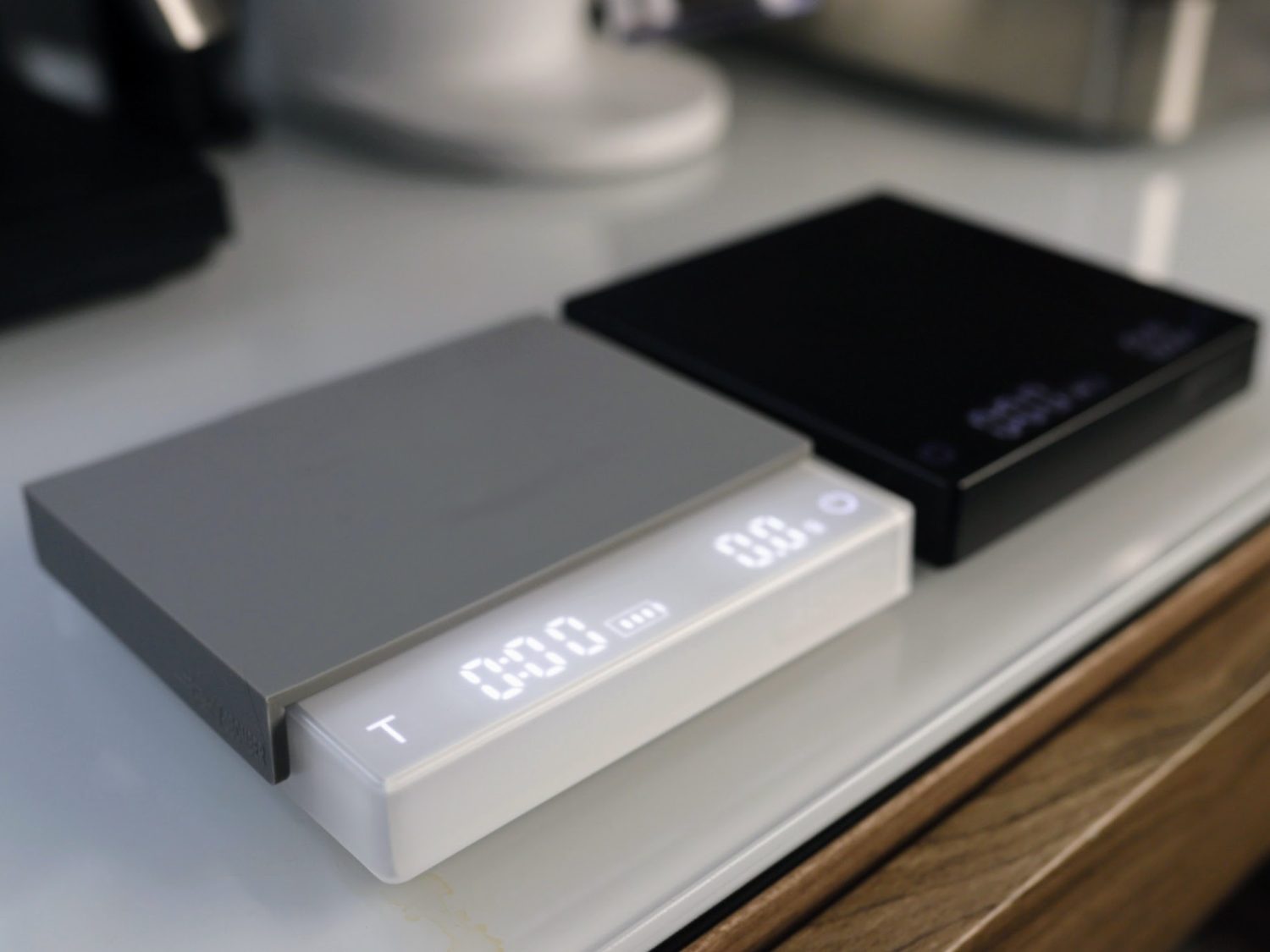







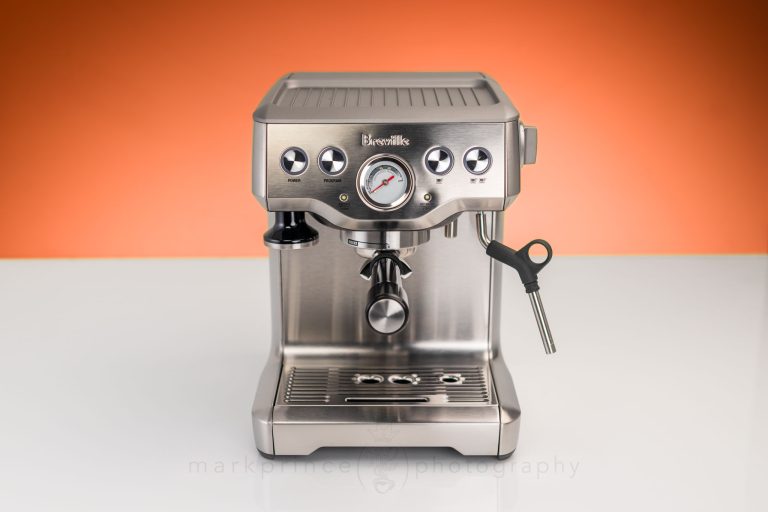
In the CoffeeGeek lab space, we have access to over 30 different scales for use in our evaluation of coffee and espresso. These range from $12 Amazon specials, to $250 Acaia Lunars, to a $750 Adam Luna Precision 2.6kg scale. Despite that variety, two scales see the most use: the Bookoo Themis ($130) and the MHW-3Bomber Mini Cube 2.0 ($35).
The Mini Cube does not outperform the Bookoo Themis or Acaia Lunar in accuracy, features, build quality or readout speed. However, one key feature sets it apart and makes it the preferred scale sitting next to our test espresso machines. It has an auto-on function that activates and tares itself whenever an object weighing 100g or more is placed on it.
This feature makes it especially useful in our fast-paced test environment, where responsiveness and hands-free operation matter.
The Mini Cube has its quirks. Our full review covers them in detail, but the most unusual design choice on the original model involved the tare and timer functions. Most scales assign the right-side “T” or “tare” button to zero out the scale; MHW-3Bomber did the opposite. The right button, marked “T,” controls the timer, while the left button, with a power symbol, handles taring. This setup felt unintuitive.
In the past four months, MHW-3Bomber redesigned the scale to fix this issue. They also made other changes, but not all for the better. In one way, they actually made the scale worse. Let’s look at that.
The Changed Design of the Mini Cube Scale
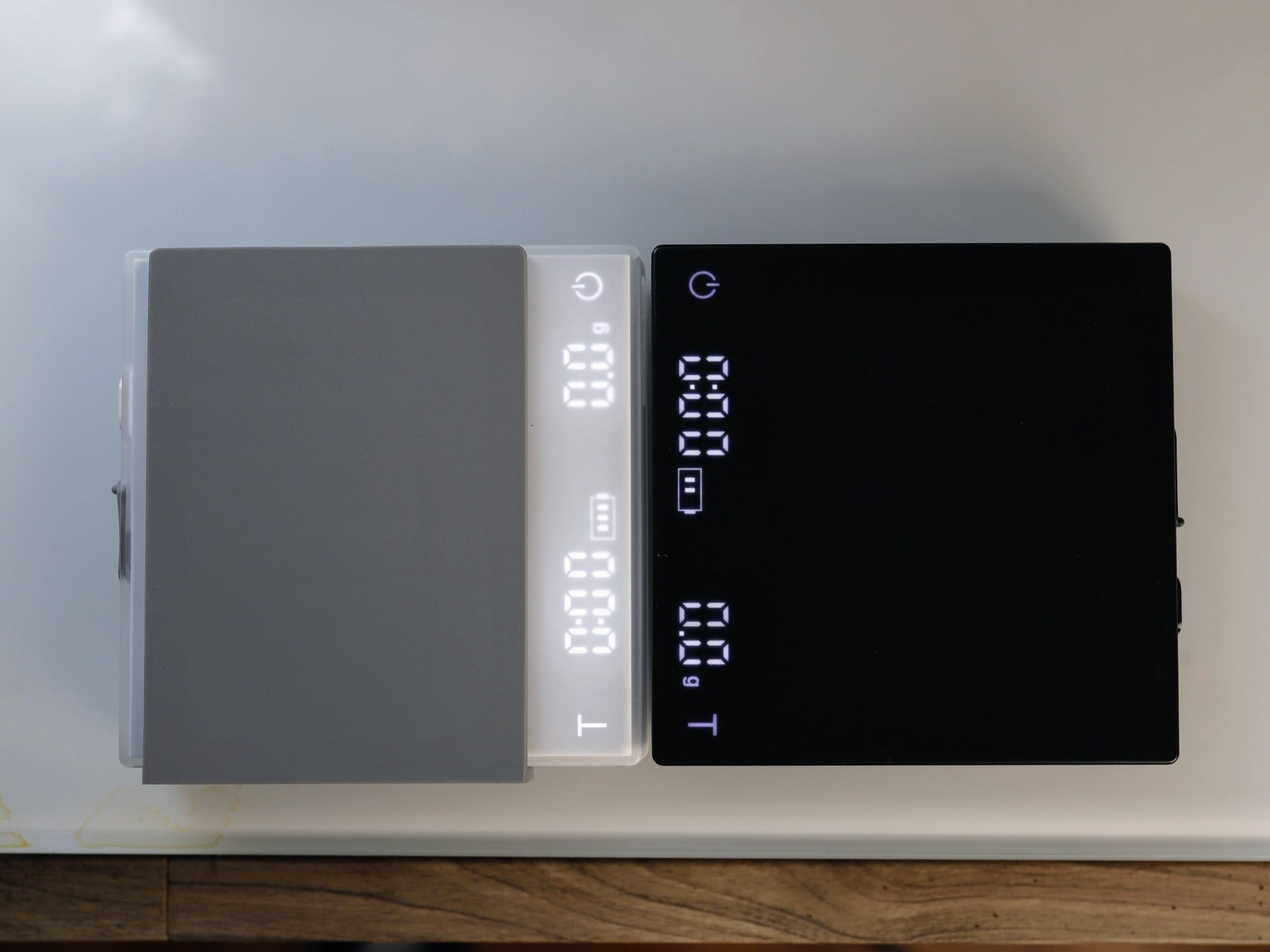
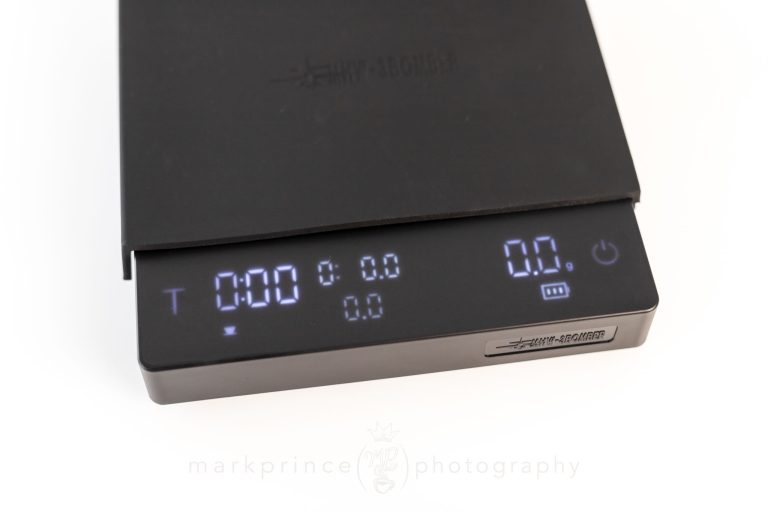
As mentioned, 3Bomber changed the button layout and functions on this scale, but are still married to the letter “T” indicating a timer function. They simply moved the T from the right side, to the left side, and moved the power indicator switch over to the right.
This means that the right side power button still controls zeroing out the scale (a few milliseconds’ press will do it), and long pressing it will power off the scale. The T button, moved to the left, starts and pauses the timer. A long press (around 1-2 seconds) will zero the timer out.
One welcome upgrade is the LED display, which is noticeably brighter than the original. Our new white unit, placed next to an older black model, is significantly brighter, making it easier to read in various lighting conditions.
Then comes the most puzzling change: the auto-off function. When I bought a new white Mini Cube 2.0 for our lab last month, I noticed it would not turn off on its own. I would use it, leave for 15 or 20 minutes, and return to find it still powered on. Initially, I thought the unit was defective or that there was a hidden setting to enable auto shut-off.
But nope; this is simply how MHW-3Bomber redesigned the scale.
The latest Mini Cube 2.0 now stays on for 30 minutes after its last use, and an incredible 40 minutes if the timer is running. Worse yet, there is no way to disable or adjust this setting. The result is a bright display draining the battery long after use. Since most coffee scales shut off automatically, users will often forget to turn this one off, leading to a battery that lasts days instead of weeks.
When I reached out to MHW-3Bomber, they explained that this extended auto-off time was intentional and designed for commercial café environments. They argued that, while 30 minutes may seem excessive, they believe the longer auto-off time prevents disruptions in busy cafés by keeping the scale ready for use.
The problem with this reasoning is that it doesn’t really make sense. In a truly busy café, the scale would not sit unused for 25+ minutes at a time. If anything, baristas would use it every few minutes, making such a long shut-off period unnecessary. A 5-minute auto-off setting is more reasonable (perhaps even stretching it to 10 minutes taking their reasoning into account), but 30 minutes seems excessive and needlessly drains battery life.
Adding to the frustration, the scale’s USB-C charging system is painfully slow. It can take up to four+ hours to fully recharge, which makes even less sense in a high-traffic café environment. If MHW-3Bomber truly designed this scale for commercial use, forcing baristas to wait this long for a full charge is counterproductive to the design ethos.
To their credit, they acknowledged that they are listening to feedback and recognize the impact on battery performance. Future updates may address this issue. Ideally, users should be able to customize the auto-off time, but if that is not possible, five minutes should be the standard, with a maximum of 10 to 15 minutes if the timer is active.
Despite this issue, we still think the Mini Cube 2.0 is a fantastic little scale, and like that they did move the zero-out function to the more conventional right side of the scale. That is why we are discussing it in such detail; most scale updates do not even get a mention on CoffeeGeek. We wanted to highlight this change as a PSA for anyone considering the Mini Cube. It typically lists for $45 but frequently sells for $35 or less, making it one of the best values in coffee accessories. However, if you plan to buy one, train yourself to turn it off manually with a two-second press of the power button, or be prepared to do a 3-4 hour charge at least once a week.

Mark has certified as a Canadian, USA, and World Barista Championship Judge in both sensory and technical fields, as well as working as an instructor in coffee and espresso training. He started CoffeeGeek in 2001.


















One Response
On the strength of your earlier review, I bought a mini cube 2.0. It looks exactly like the black one in this review, but it already had switched the display so that the “T” is on the left. It also has an on/off switch on the back, so I can simply turn it off when I’m finished using it. So, the white model doesn’t have an on/off switch?